
- Home
- QR code generator
QR codes
QR codes that keep working, and tell you who scans them.
Make a Profiley QR code for anything on your profile, from your menu to a single table or post. Print it once, change what it opens later, and see how often each code is scanned.
- Eight destinations, from menu to car sticker
- Change the destination without reprinting
- Scan counts and trends for every code
- Printable stickers and NFC tags
Most free QR codes are a dead end
A static code points at one link forever and tells you nothing about how it is used.
-
Stuck with the first link
Change your menu link or booking page and every printed code is wrong, so you print them all again.
-
No idea if anyone scans
A code on a flyer, a table or a shop window gives you no numbers, so you cannot tell which one works.
-
Codes that expire
Many generators deactivate your codes when a trial ends, leaving printed material that leads nowhere.
Everything a QR code should do
Made in seconds, managed from one list.
-
Eight destinations
Your profile, contact card, car sticker, menu, booking page, services, a single table or a post.
-
Edit without reprinting
Rename a code or change where it points, and the printed code keeps working.
-
Scan stats
Total scans for every code, unique scanners and a chart of recent days, so you can see which placement works.
-
Printable stickers
Turn any code into a sticker with a caption such as “Scan to contact me” or “Scan to notify the car owner”.
-
One code per table
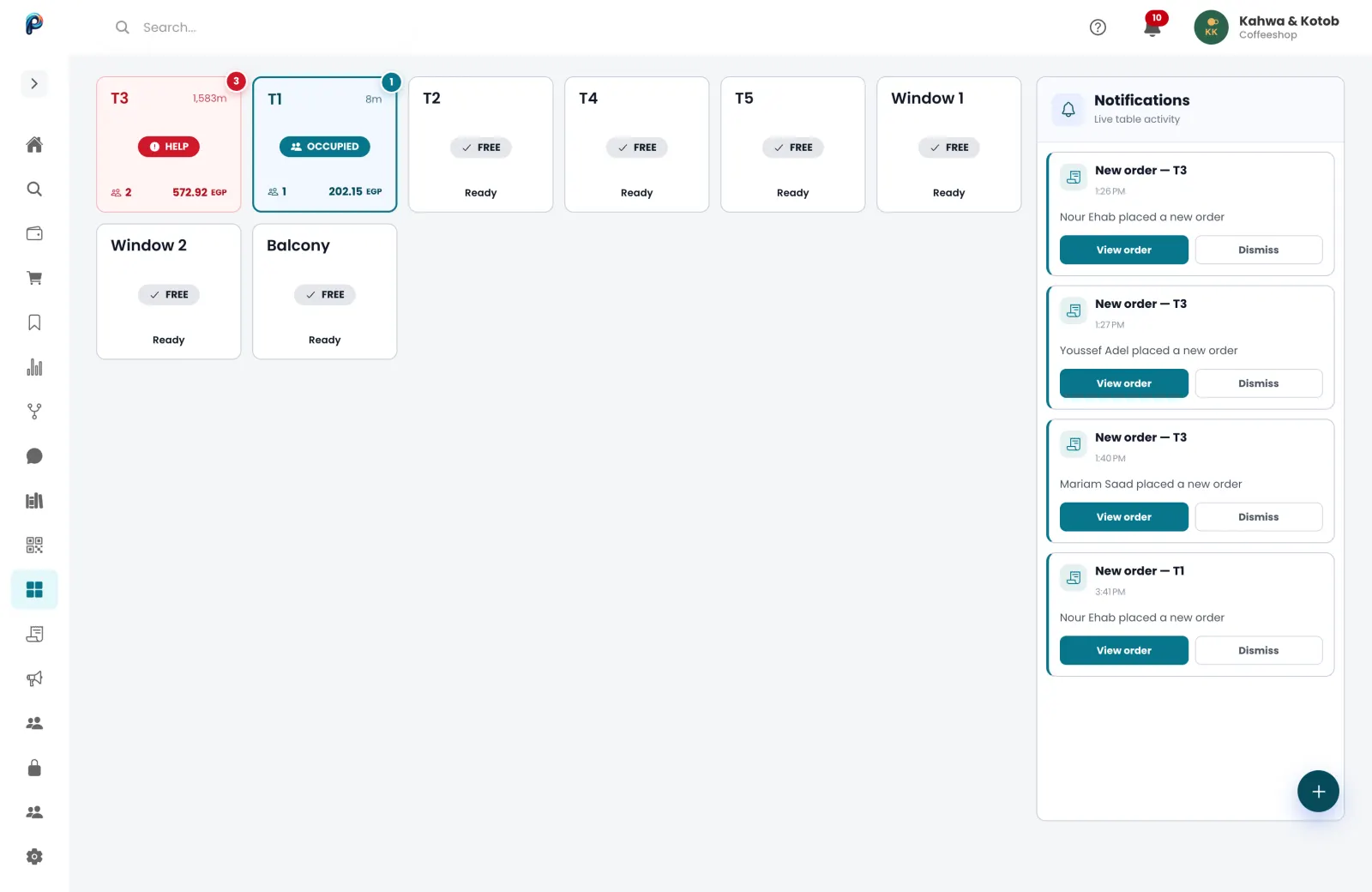
Table codes seat the guest at that table and open your menu, so orders arrive with the table number.
-
NFC tags too
Write a code onto an NFC sticker from your phone, so people can tap instead of scanning.
What your customers and your team see
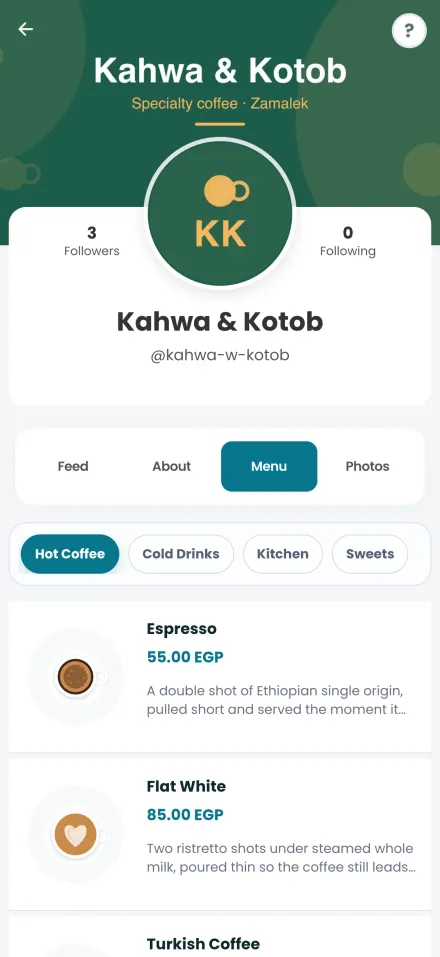
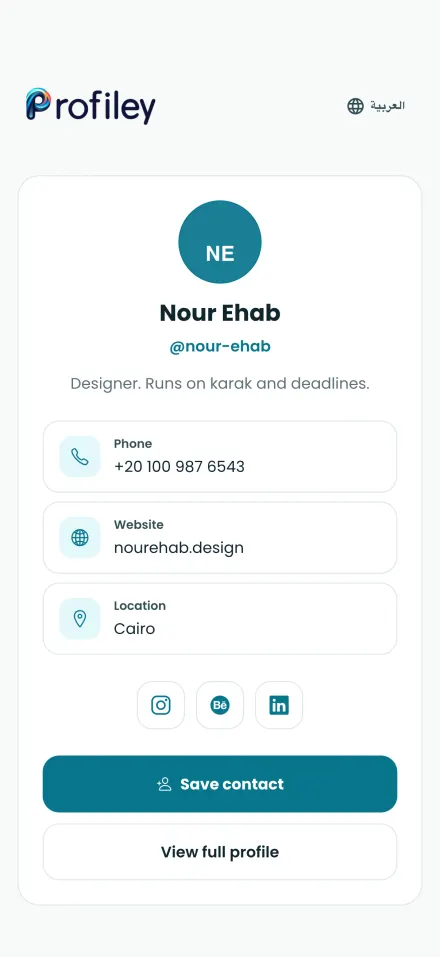
Real screens from Profiley: a complete workspace for your team on a laptop or tablet, and a phone experience your customers can start in seconds from a browser, in English or Arabic.
Create a QR code in three steps
-
1
Pick a destination
Choose what the code opens: your profile, menu, booking page, a table and more.
-
2
Name it
Give it a name only you see, so you can tell your codes apart.
-
3
Print or share
Download the code or a ready sticker, or share its link, and watch the scans come in.
- Zero setup fees
- Zero monthly subscriptions
- No transaction fee at all on cash.
Questions about QR codes
Are Profiley QR codes free?
Yes. Creating, printing and tracking QR codes is free, with no trial that ends and no limit on scans.
Can I change where a code points after printing it?
Yes. The printed code opens a Profiley link, so you can rename it or change its destination and the same print keeps working.
Do people need an app to scan?
No. Any phone camera opens the code in the browser. Nothing to install.
What happens if I archive a code?
It leaves your list, and you can restore it later. Codes for a car sticker stop working when retired, so nobody can alert you through an old sticker.
Can I see how many people scanned my code?
Yes. Every code shows its total scans and a chart of recent days, and Insights breaks scans down by code and table.
Create your first QR code
Pick what it opens, print it and see who scans it. Free, with no trial that runs out.