
- Home
- Payments
Payments
Card, wallet and cash, in one ledger.
Customers pay however they want: by card, from their Profiley wallet, or in cash. You see every sale, fee and refund in one real-time ledger, and withdraw your earnings to your bank. No terminal to rent and no separate report to reconcile.
- Card and wallet payments on the customer’s own phone
- Cash recorded and confirmed by your staff
- Refunds from the screen the sale was made on
- Earnings withdrawn to your bank account
Why payments are harder than they look
Most businesses take money three ways and reconcile it in three places.
-
Three places to reconcile
The card terminal, the cash drawer and the booking app each tell a different part of the story, and someone has to put them together.
-
Cash that does not match
When cash is taken without a record, the till and the books disagree at the end of the day.
-
Refunds done by hand
Reversing a card payment means another system, another login, and hoping the records still match.
Every way your customers pay, in one place
Orders, bookings, table bills and payment codes all settle into the same balance.
-
Card and wallet
Customers pay by card or from their Profiley wallet on their own phone, at the table, at checkout or when they book.
-
One real-time ledger
Sales, fees, refunds, transfers and receipts in one place, updated as they happen, instead of three exports.
-
Cash that is accounted for
A cash payment is recorded as pending until your staff confirm they received it, so the till and the ledger agree.
-
Payment codes for any amount
Name an amount and show a QR code. The customer scans and pays, and the code works once and then expires.
-
Refunds in one tap
Refund a card or wallet payment from the same screen it was sold on, and the ledger records it.
-
Payouts to your bank
Withdraw your settled earnings to your bank account, with every payout recorded in your history.
What your customers and your team see
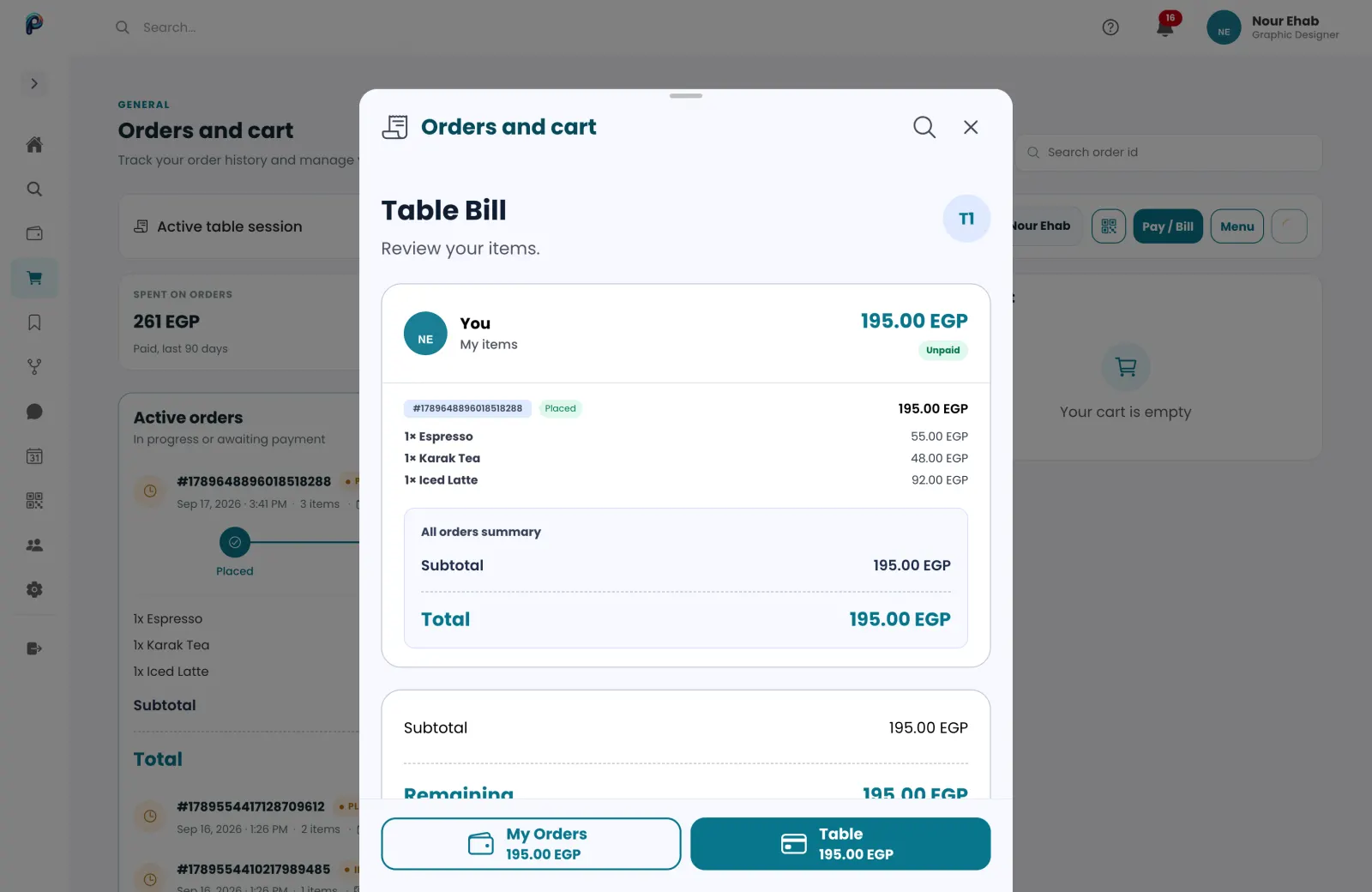
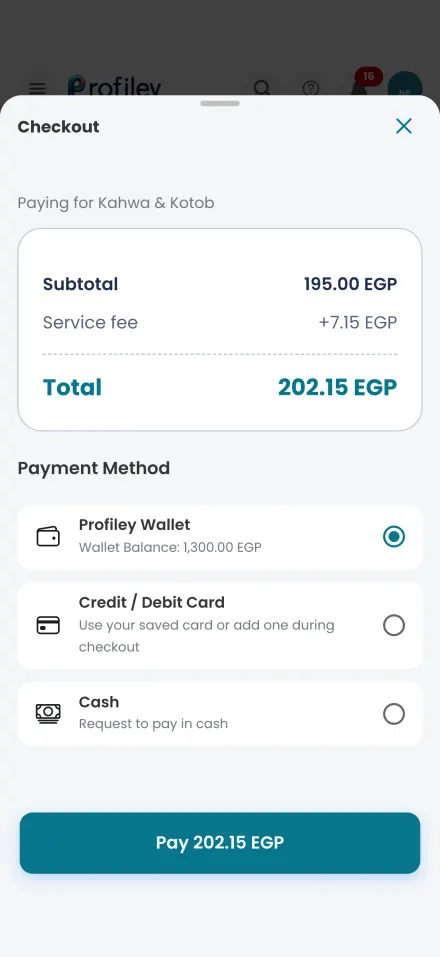
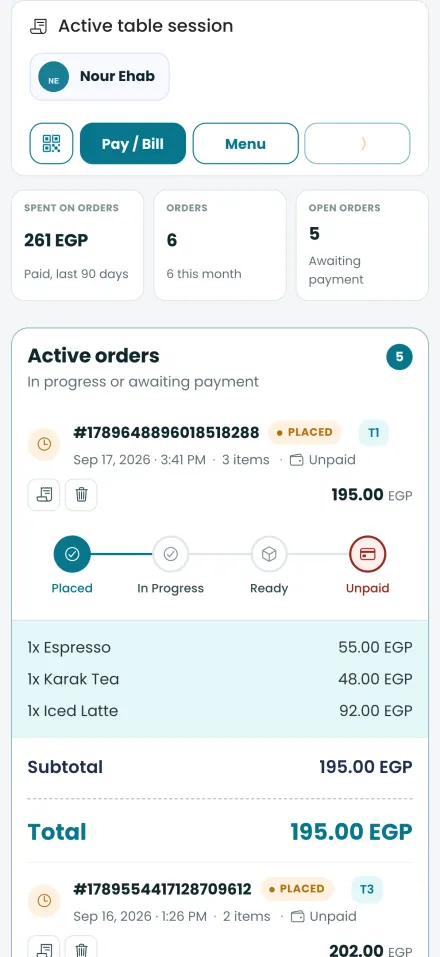
Real screens from Profiley: a complete workspace for your team on a laptop or tablet, and a phone experience your customers can start in seconds from a browser, in English or Arabic.
Start accepting payments
-
1
Create your business profile
Add your business details and the products, menu or services you sell.
-
2
Add your bank details
So your earnings can be paid out to your account.
-
3
Get paid
Customers pay at checkout, at the table, when they book, or by scanning a payment code.
- Zero setup fees
- Zero monthly subscriptions
- No transaction fee at all on cash.
Questions about payments
Do I need a card machine?
No. Customers pay by card on their own phone. For in-person sales you can show a one-time payment code for any amount.
How does cash work?
When a customer chooses cash, the payment is recorded as pending until your staff confirm they received it.
Can I refund a payment?
Yes. Refund a card or wallet payment from the screen it was sold on. Refunds are recorded in your ledger.
How do I get my money?
Withdraw your settled earnings to your bank account from your wallet. Every payout appears in your history.
What does it cost?
No setup fee and no subscription. Cash carries no fee. Card payments carry a processing fee per transaction, shown to the customer before they pay; see the pricing page for the exact rate.
Take your first payment this week
Create your business profile and start accepting card, wallet and cash. Free to start, no card required.